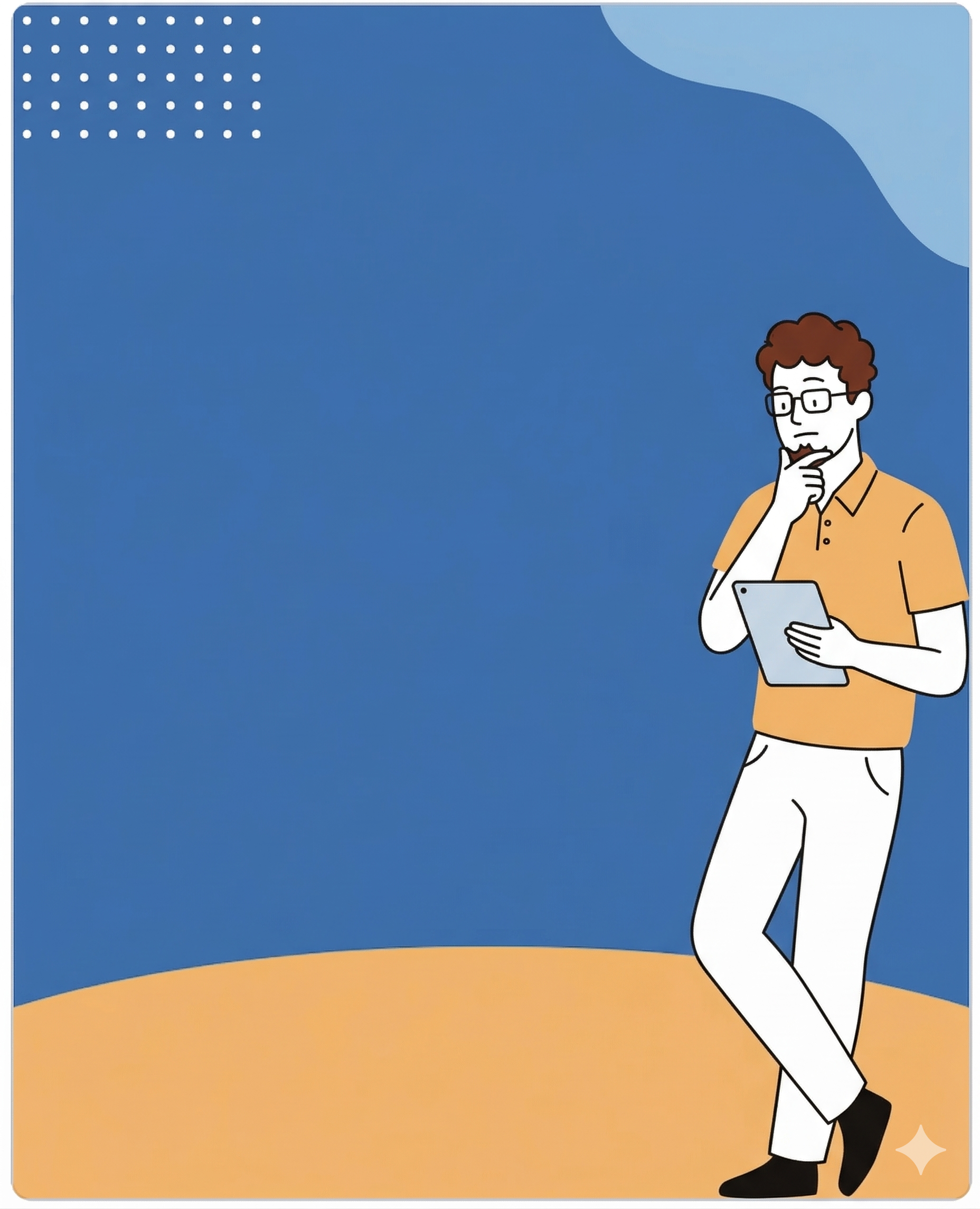
Twelve portrait slides (1080×1350) with 12 original flat illustrations, built for LinkedIn + Instagram. Double-click any text to edit. Export PNGs or print-to-PDF from the toolbar. Remix freely — keep the credit, swap the copy.
12 Slides12 IllustrationsLinkedIn 4:5Editable in browserPrint → PDF
Template 06 · part of the Claude Design bonus pack
01 / 12Cover · hook
Your Name
01 / 12
A practical carousel
The hook that stops the scroll.
A bold opening line, one promise, and a visual that earns the second slide. That's the whole job of slide one.
Swipe
→
02 / 12Problem · tension
The problem
Most carousels read like homework.
Stat-sandwich, three generic tips, a CTA, a sign-off. The format is fine. The thinking is thin.
03 / 12Section · setup
Part one
3 steps
01.
Pick one opinion.
If you don't have a take, you don't have a carousel — you have a Wikipedia article cut into 10 screenshots.
04 / 12List · method
The method
Five moves that always work.
i
Lead with the wound, not the win.
Name the specific pain your reader felt yesterday. Resist the urge to teach before they trust.
ii
One idea per slide. Really.
If two ideas share a slide, one of them is filler. Cut it — or give it its own frame.
iii
Show the thing, don't describe it.
A screenshot, a sketch, a diagram. Anything visual beats a bulleted definition.
iv
Earn the next swipe.
Every slide should set up a question the next slide answers. That's the whole pacing trick.
v
Close with an ask, not applause.
Tell the reader exactly what to do next. Save, share, comment a keyword — pick one and make it small.
05 / 12Stat · proof
Why this works
3.4×
Posts with opinion-led hooks out-saved how-to posts by 3.4× across 92 carousels I audited.
06 / 12Quote · voice
"
A carousel is a pitch deck disguised as a vibe. Design it like one.
V
Vishal JaiswalAI & Analytics Leader
07 / 12Compare · shift
The shift
From "5 tips" to a point of view.
Before
Safe & forgettable
Generic headline — "5 tips for X"
Stock stat in the second slide
Same advice as 40 other posts
CTA: "What do you think?"
After
Sharp & saveable
Opinion in slide one — "most X is bad because Y"
Original stat or a story instead
A framework named after you
CTA: "Comment DESIGN for the template"
08 / 12Insight · payoff
The insight
People don't save information. They save conviction.
92carousels audited
3.4×save-rate lift
10 minto draft one
09 / 12Steps · action
Your 4-step flow
Ship one tomorrow.
1
Draft the opinion
One sentence. Spicy enough that half your network would disagree. Write it in a note first.
2
Outline 10 slides
Hook · problem · stakes · insight · proof · method · quote · example · recap · CTA. Done.
3
Drop into the template
Open this file, replace the copy, keep the rhythm. Don't redesign — that's the bonus.
4
Export and post
Print-to-PDF, split the pages, post at 9am local. Reply to every comment in the first hour.
10 / 12Checklist · steal
Steal this checklist
Before you hit publish.
✓
My slide one has a specific opinion, not a topic.
✓
Every slide answers a question the previous one raised.
✓
I have one stat, one quote, and one screenshot minimum.
✓
The CTA is a single action — not "thoughts?"
✓
The last slide gives the reader a reason to swipe back.
11 / 12Three up · swap
Three layouts, three jobs.
A
Teach
A framework, step-by-step, with one idea per slide. Best for expertise posts and evergreen saves.
Use slides 3–7
B
Rant
An opinion post that names a pattern, picks a side, and defends it. Best for voice-building.
Use slides 2, 6, 8
C
Case
A story — problem, move, outcome, lesson. Best for credibility posts and recruiter-bait.
Use slides 5, 7, 9
12 / 12CTA · closer
Your turn
Now ship yours.
♥
Save
Keep this carousel for the next time you open a blank canvas at 11pm.
+
Follow
I ship practical design + AI templates every other Tuesday. No fluff.
↻
Repost
Share this with one designer or PM on your team. That's the whole ask.